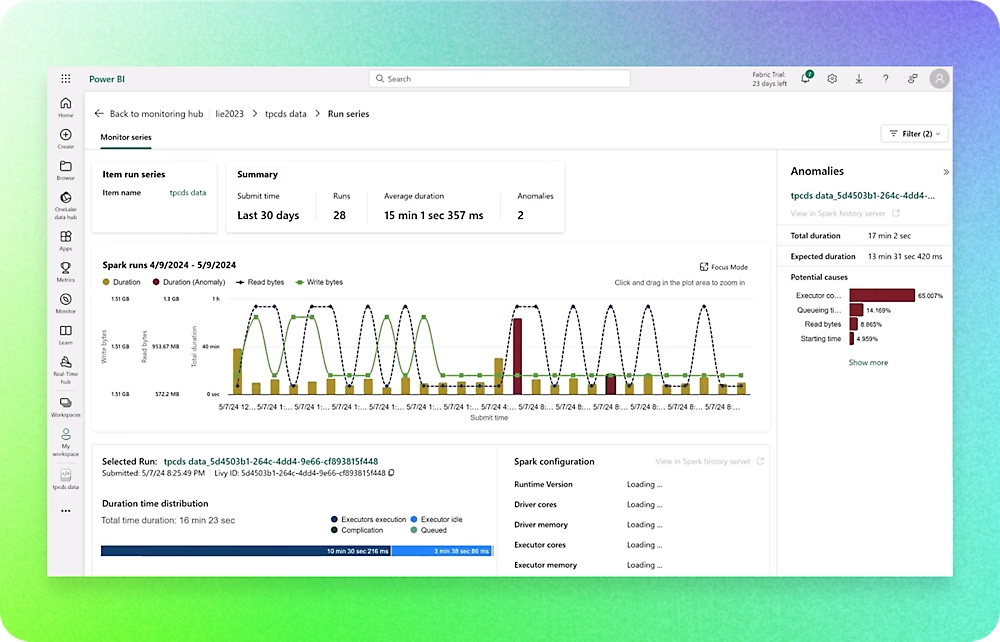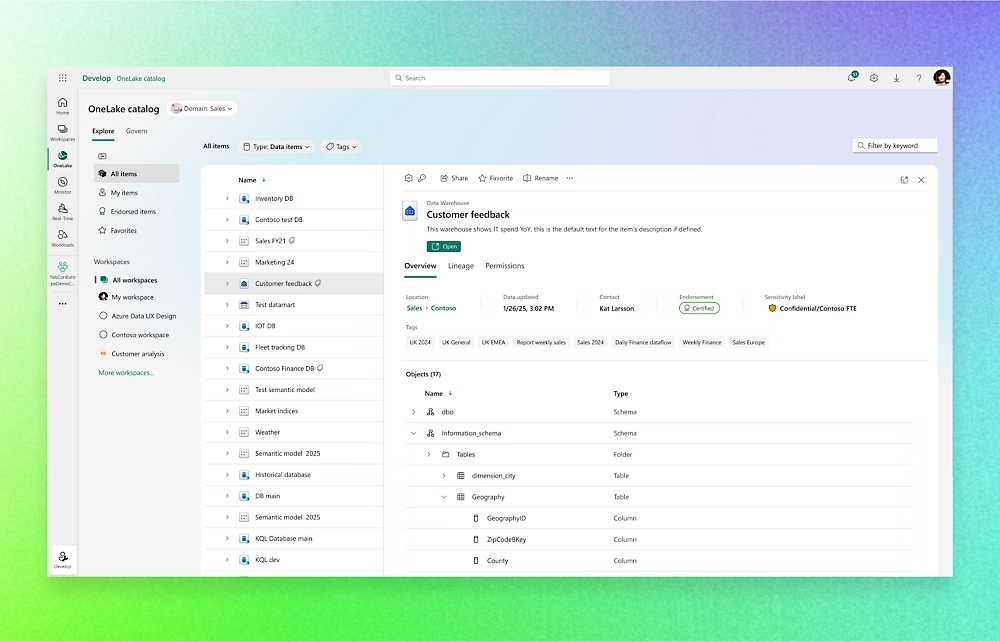

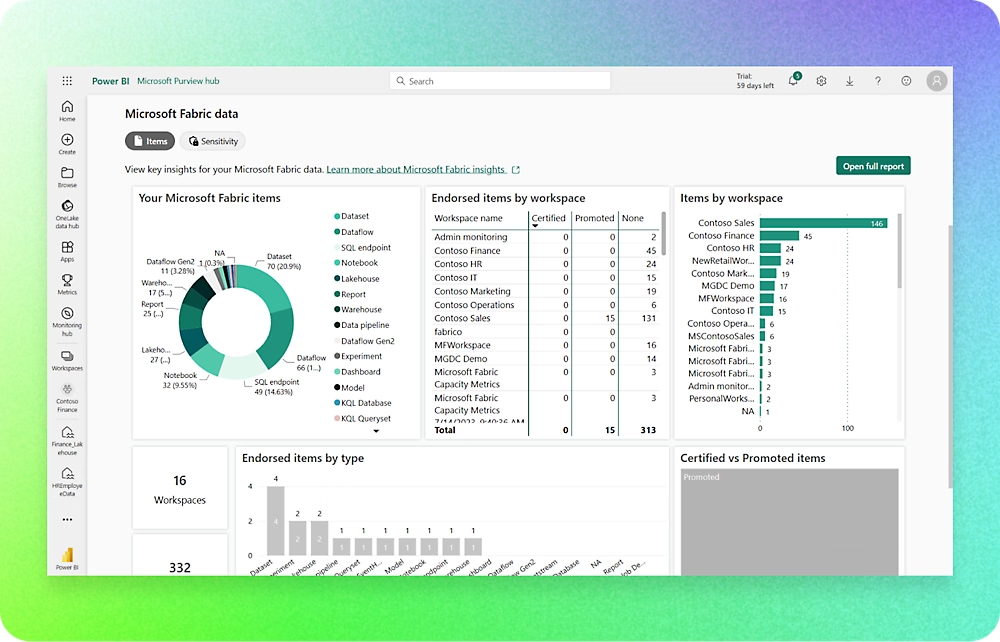
Microsoft Fabric

Fabric is designed to handle both high data complexity and very large data volumes—but you don’t need a complex setup to get started. Even with just Business Central as your data source, you’ll have a strong foundation for analytics and AI. Fabric brings your data together in a single, flexible platform where you can integrate, model, and analyze—across systems and needs. A solution that covers both daily reporting and deep business insights.

Are you getting started with Microsoft Fabric? — Let’s talk

Microsoft Fabric – a single, unified foundation for your data

In an era where data has become one of a company’s most important assets, it is crucial to have a firm grasp on data collection, structuring, and analysis. Microsoft Fabric is Microsoft’s comprehensive data platform that ties together the entire company’s data needs—across systems, sources, and roles.

While Business Central provides operational data on finance, production, projects, and sales, Fabric allows you to consolidate this data with information from other systems (CRM, production equipment, e-commerce, Excel files, etc.) into a single flexible and secure platform.

Fabric is therefore not just an analytics tool, but a common foundation where all your data can be stored, modeled, and analyzed—both for day-to-day reporting and for more advanced BI and AI scenarios.

What is Microsoft Fabric?

Fabric can best be described as an “all-in-one data platform.” It combines former Microsoft products such as Azure, Data Factory, and Power BI into a single, unified ecosystem.

With Fabric, you get:

A shared data platform: All of the company’s data is consolidated in one place, in what is known as a “OneLake.”

Flexibility: Whether your data is stored in Business Central, Excel, SQL databases, or third-party systems, Fabric can pull it all in.

Scalability: The platform grows with your needs—from simple reporting to advanced data analysis and AI.

Integration with Microsoft 365: Data can be used directly in familiar tools such as Power BI, Excel, and Teams.

In short: Fabric is the long-term solution if you want a future-proof data platform that goes beyond Business Central alone.

When do you use Fabric?

Fabric is typically relevant if you either:

  • You have highly complex data or large volumes of data in Business Central.
  • There are many different data sources that need to be consolidated.
  • We need historical analyses spanning multiple years and systems.
  • Wants to use AI and machine learning to predict trends or optimize processes.
  • We need to make data easily accessible throughout the organization—not just in the finance department.

If Business Central is the engine of your ERP solution, then Fabric is the “data highway” to which both Business Central and other systems can be connected.

Fabric future-proofs your solution so that, for example, you can start with data from your Business Central and then—as the need arises—connect other data sources.

The Benefits of Fabric for Business Central Users

  • Brings the entire company together: Production, projects, finance, and sales can be analyzed alongside data from CRM, inventory, the online store, etc.
  • Future-proof: Built on Microsoft’s latest technology—fully integrated with Copilot and AI services.
  • Security and Compliance: Fabric runs in the Microsoft Cloud with high data security and EU compliance.
  • The freedom to scale: From simple reports to complex data science projects.

How does Fabric integrate with Jet Reports, Jet Analytics, Power BI …?

Business Central offers a range of reporting options right out of the box. Jet Reports and Jet Analytics build on these, with a particular focus on the finance department, while Power BI makes data visual, interactive, and accessible across the entire organization.

Incorporate BI into your solution—whether you’re planning to implement Business Central or already have it

A BI project can be very beneficial as a natural part of a Business Central Cloud upgrade project. By incorporating Business Intelligence from the start, you’ll avoid subsequent customizations, corrections, and duplicate work—making the project easier, faster, and more cost-effective.

However, if you already have a Business Central solution, there is, of course, nothing stopping you from implementing a Business Intelligence solution. On the contrary, it may be an obvious next step in getting more value out of the data you’re already working with today.

Every BI project begins with a workshop where we work together to map out your current and future reporting and analysis needs. Does the finance department need quick insights directly in Business Central? Does management need more advanced data modeling? Or do you need a unified data platform that can grow with your business?

BI isn’t an “either/or” situation. It can easily be “both/and”—a solution that’s integrated into your ERP ecosystem but doesn’t become a burden. It can start out small and simple—but be ready to scale when you’re ready.

Would you like to hear more?

If you would like more information or have any questions, please feel free to contact us.

Feel free to contact us by email, phone, or by filling out the contact form on this page.

Call or write to us

icon+45 5353 2020

iconkontakt@vektus.dk

Contact us here

We are experts and specialists in Business Central. We’re here to help you. So contact us by email or phone or visit one of our four offices.

Please fill out the form, and we will contact you regarding the next steps.

    Your name

    Your e-mail

    Your phone number.

    Your message

    * We treat your data with respect and do not pass it on. You can request deletion at any time. See our privacy and cookie policy. You will find the link at the bottom of the footer on the website.